

Download Avant Browser – Fast, Secure, Free Web Browser Alternative
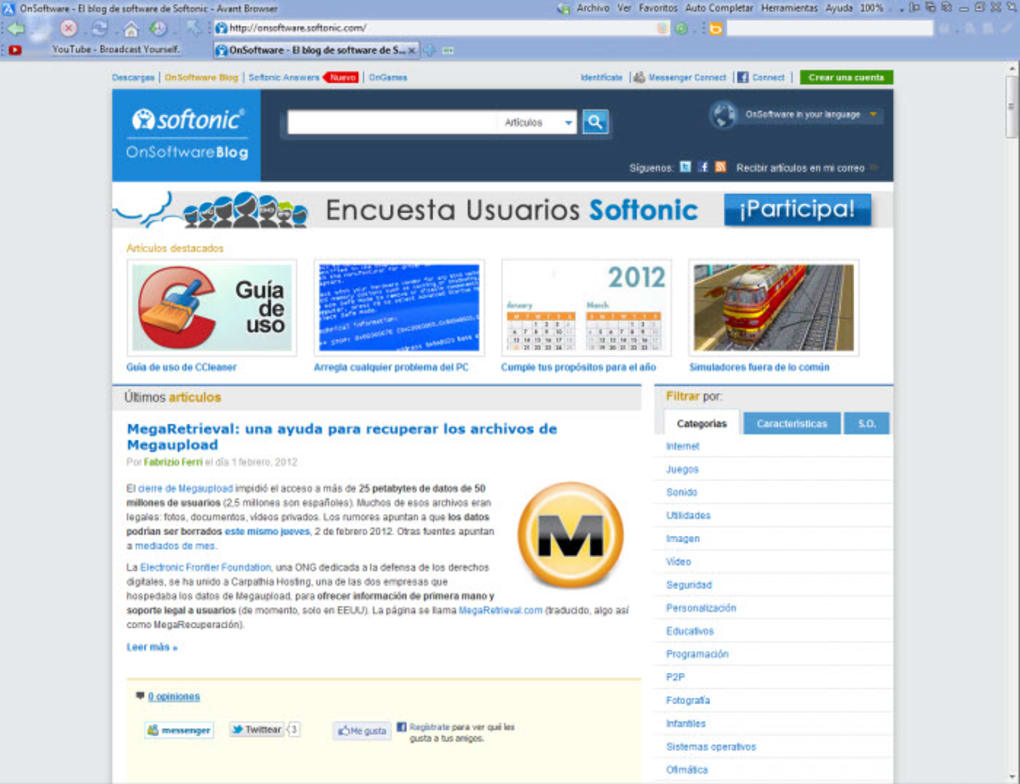
Avant Browser presents a fresh take on everyday web surfing while retaining the familiar feel of Internet Explorer. Built on the trusted Trident engine, the Ultimate version delivers ultra‑fast page loading, robust security, and a clean, ad‑free interface that appeals to users who want more control over their browsing experience. Whether you are a power user juggling dozens of tabs or a casual visitor who values privacy, Avant Browser offers a lightweight yet feature‑rich environment. Its compatibility with modern web standards—including full support for IE9—ensures that most sites render correctly without the need for additional plug‑ins. Moreover, the browser’s built‑in tools let you block ActiveX, JavaScript, flash, images, videos, and even embedded sounds, giving you granular control over bandwidth and security. In short, Avant Browser is a solid, free alternative for anyone looking to step beyond mainstream browsers while keeping the comfort of a familiar layout.Key Features & Benefits
- Ultra‑fast page rendering using the Trident engine, delivering quick load times even on slower connections.
- Ad‑free browsing experience out of the box, eliminating annoying pop‑ups and banner ads.
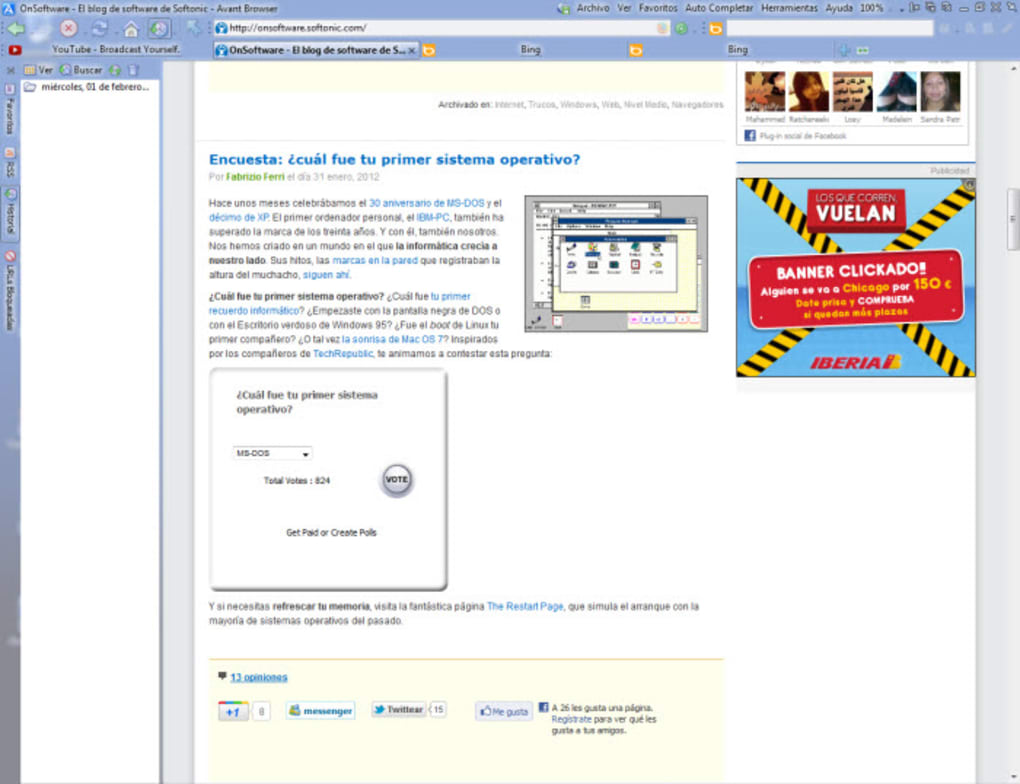
- Advanced tabbed browsing with drag‑and‑drop reordering, session saving, and thumbnail previews.
- Security controls that let you disable ActiveX, JavaScript, Flash, images, videos, and embedded audio on a per‑site basis.
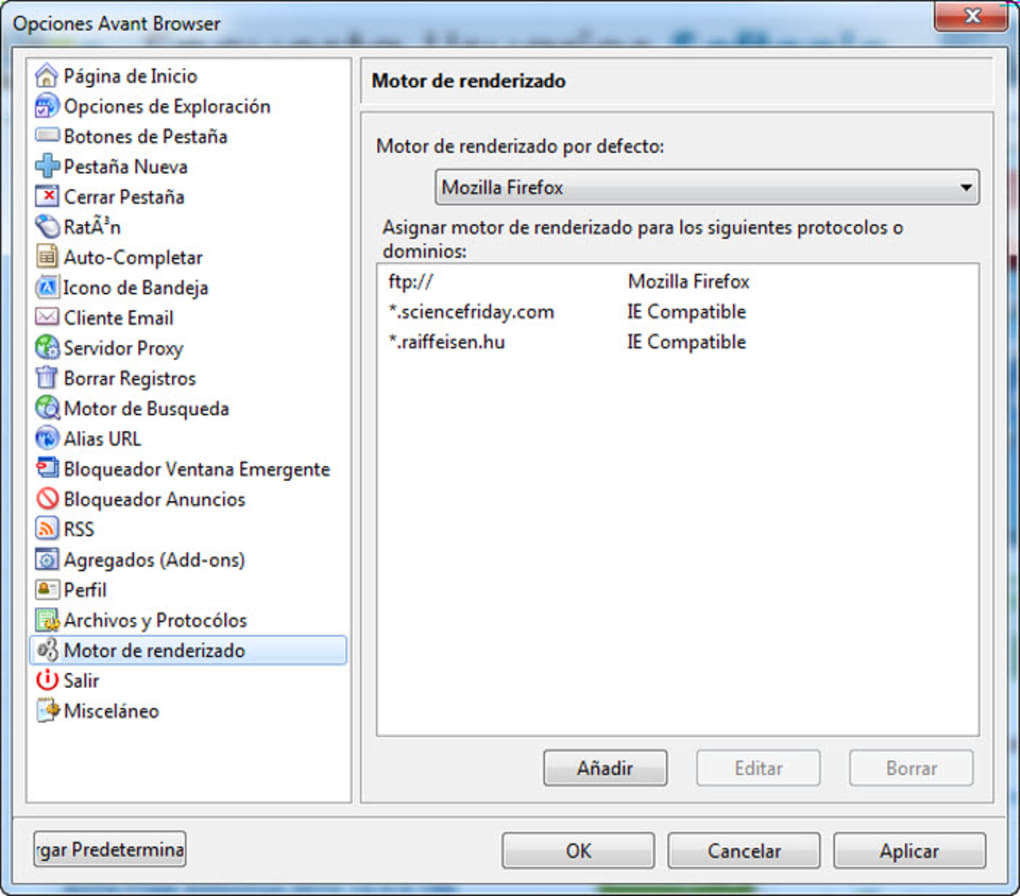
- Full compatibility with Internet Explorer 9 standards, ensuring most websites display correctly.
- Built‑in pop‑up blocker and anti‑phishing filters to protect against malicious sites.
- Customizable toolbar and theme options for a personalized look and feel.
- Lightweight installer under 5 MB, making it ideal for older PCs and limited‑bandwidth environments.
Pros
- Fast performance comparable to modern browsers while using a familiar IE‑based engine.
- Completely free with no hidden subscription fees.
- Granular security settings empower users to block unwanted content.
- Ad‑free by default, reducing distractions and saving bandwidth.
- Low system resource usage, suitable for legacy hardware.
Cons
- Based on an older rendering engine, which may struggle with the newest HTML5 features.
- Lacks built‑in extensions ecosystem found in Chrome or Firefox.
- Limited mobile support; primarily a Windows desktop application.
- Interface may feel dated to users accustomed to modern browser aesthetics.
- No native sync across devices, unlike many contemporary browsers.
Installation, Compatibility & Frequently Asked Questions
Supported Operating Systems: Windows 7, Windows 8, Windows 10, and Windows 11 (64‑bit recommended). Avant Browser does not have official Mac, Android, or iOS versions, but can run on those platforms via Windows emulators.
Installation Guide (Free & Secure): 1. Visit the official Avant Browser website and click the “Download Free” button. 2.
The installer (approximately 4.7 MB) will begin downloading – ensure you have a stable internet connection. 3. Once downloaded, double‑click the .exe file and follow the on‑screen prompts.
The wizard offers a typical installation path (C:\Program Files\Avant Browser) but allows custom locations. 4. After installation, launch the browser.
The first run will prompt you to import bookmarks from IE, Firefox, or Chrome, if desired. 5. For optimal security, enable automatic updates in the Settings menu; Avant Browser checks for patches weekly and applies them without user intervention.
FAQ
Is Avant Browser still receiving updates?
Yes. The development team releases security patches and minor feature updates on a monthly basis. Automatic update checks are enabled by default to keep the browser secure.
Can I import my bookmarks from other browsers?
Absolutely. During the first launch, Avant Browser offers an import wizard that supports Internet Explorer, Firefox, Chrome, and even Opera bookmark files.
Is there a way to block all ads without installing extensions?
Yes. Avant Browser’s built‑in ad‑blocking engine removes most banner and pop‑up ads automatically. For more aggressive blocking, you can enable the “Strict Ad Block” mode in Settings.
Does Avant Browser support HTML5 video playback?
While the Trident engine handles many HTML5 elements, certain modern video codecs may require the HTML5 shim or external plugins. Most mainstream video sites work out of the box.
Can I use Avant Browser on a Mac?
Avant Browser is a native Windows application. Mac users can run it through virtualization tools such as Parallels Desktop or Wine, but there is no dedicated macOS version.
Conclusion – Why You Should Download Avant Browser Today
Avant Browser offers a compelling blend of speed, security, and simplicity for Windows users who prefer a lightweight, ad‑free experience without sacrificing essential features. Its ability to block unwanted content, combined with solid IE‑compatible rendering, makes it a practical choice for both legacy systems and modern PCs. While it lacks a robust extension ecosystem and native mobile versions, the free, secure, and fast nature of the software outweighs these limitations for many users. If you’re looking for a free, secure web tool that delivers quick page loads and granular control over scripts and media, Avant Browser is worth a download.
Ready to experience a faster, cleaner web? Click the button below to download Avant Browser for free, install it in minutes, and enjoy a more secure browsing session today.
Download Avant Browser – Free & Secure






